01
Pick a guide
Or start from scratch. Every guide has the days, the times and real places.
Where to?
 NEWKansai8 days
 NEWWestern Sicily6 days
 NEWFinnish Lapland5 days
Make it yours →
Pick a guide made by people who went and turn it into your day-by-day plan. Flights, hotel, tickets and money in one place, shared with whoever comes with you.
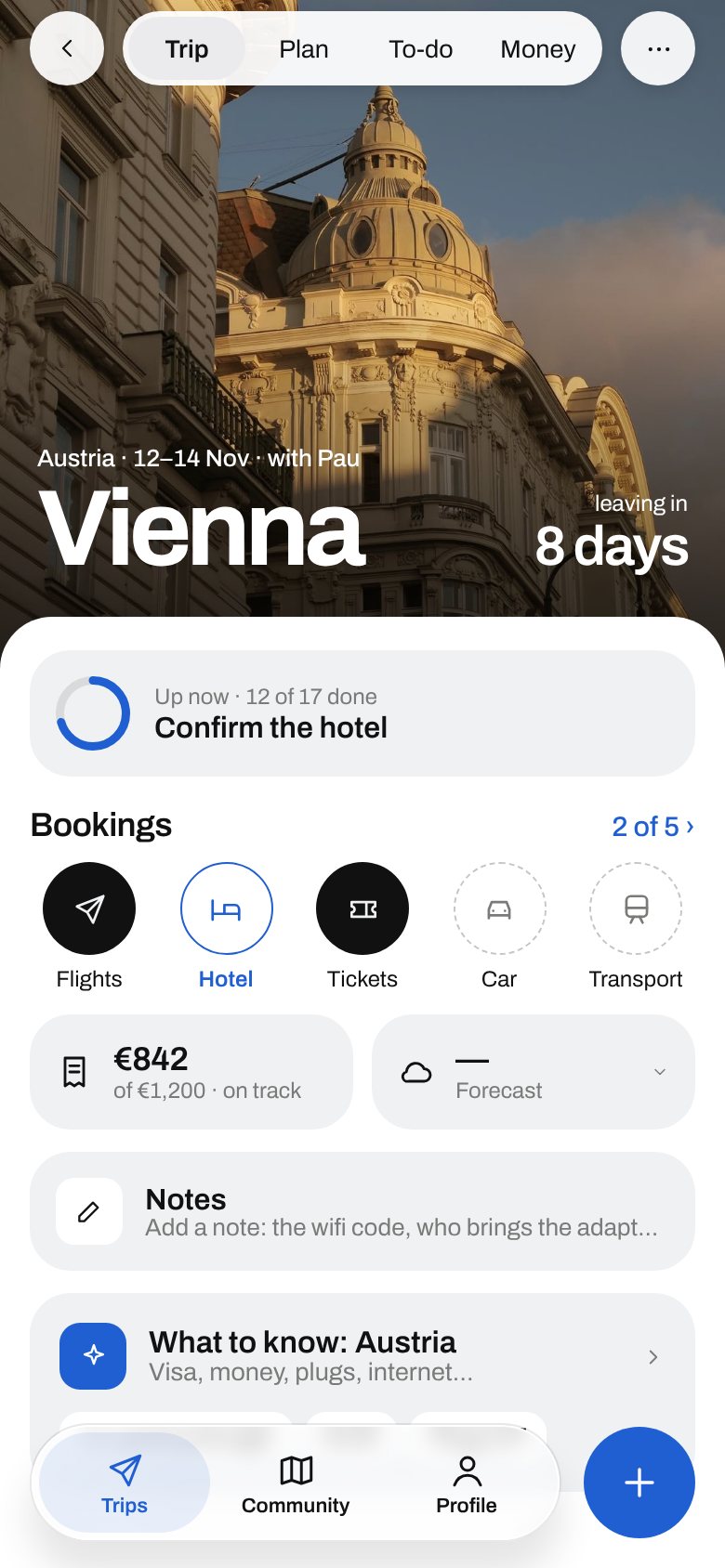
Good Anywhere is with you from the first idea until you’re back home: it reminds you what’s missing before you go and, once there, tells you what’s now and when to leave.

The group’s accounts, settled. And the trip, kept as a memory or shared with the community.

No more 300-message group chat and a spreadsheet of who paid what.
It looks at the weather, the time, where you are and your guide, and suggests what makes sense. You decide: yes, or not now.
The Albertina is 8 min from the museum and takes 1h30. Add it at 13:15?
Swap the Danube walk for the Natural History Museum?
Vienna in November is around 5 °C: coat, gloves and a scarf.
Many temples and stalls only take cash: get some yen first.
From the first “where shall we go?” to settling up.
Or start from scratch. Every guide has the days, the times and real places.
NEWKansai8 daysNEWWestern Sicily6 daysNEWFinnish Lapland5 daysSet your dates, drop what doesn’t suit you, and add flights and hotel by pasting the booking email.

Reminders to leave on time, what to know about the country, and the whole trip offline too.
Grab a card and move it. Shuffle them. One of these plans will end up in your trip.






Yes. Creating trips, using the guides and sharing them with your people is free.
Yes. To see the trip they need the app, or to sign in at goodanywhere.app/app from a browser, with their own account. You invite them with a link and choose who can edit and who can only look.
Yes. Save the trip on your phone and see plans, bookings and notes without signal.
We do. We look at several sources, pick the best, check every place on Google and write them in our own words.
The iPhone app is coming very soon. Meanwhile, use it in your browser at goodanywhere.app/app, with the same account. On your phone, open it in Safari, tap Share › Add to Home Screen and it sits there like any other app.
On your phone and, if you create an account, on our server (Supabase) so you have it on every device. We don’t sell it to anyone.
Free, in your browser and very soon on iPhone.